
Download ShowMore – Free Screen Recorder & Editor for Windows, Mac, Android, iOS
ShowMore is a free screen recorder and video editor that makes capturing, editing, and sharing screen activity effortless. Whether you're recording gameplay, creating tutorials, or saving live streams, ShowMore delivers a seamless experience with one-click recording, real-time editing, and direct upload options. With support for multiple audio sources, customizable file formats, and integration with popular platforms like YouTube and Dropbox, ShowMore is ideal for casual users and content creators who want fast, secure, and reliable screen capture without the complexity of professional software.
One-Click Screen Recording with Real-Time Editing
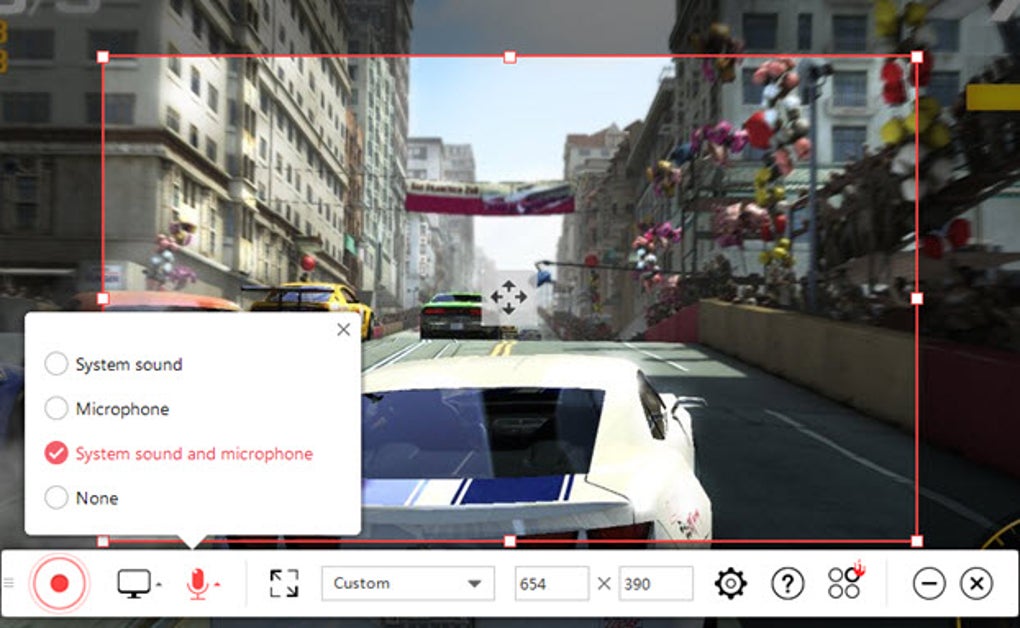
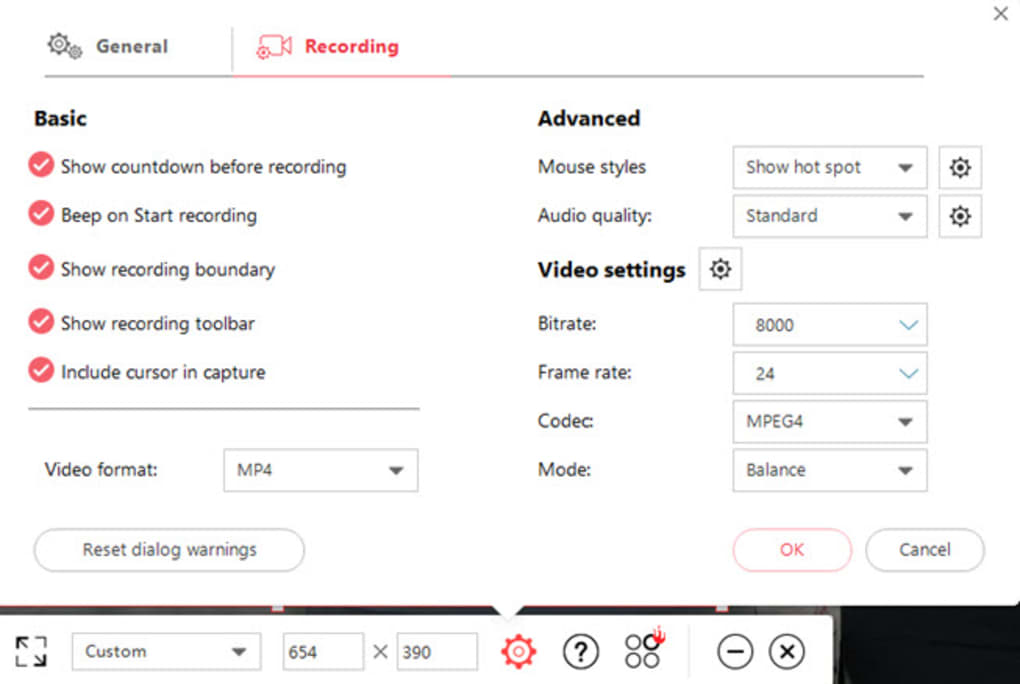
ShowMore stands out in the crowded screen recording market by combining simplicity with powerful functionality. The moment you launch the app, you're greeted with a clean, intuitive interface that prioritizes speed and ease of use. With just a single click, you can begin recording your screen—no complicated settings or technical jargon. This streamlined approach is perfect for users who want to capture a quick tutorial, record a game session, or save a live stream without spending time on setup. What truly sets ShowMore apart is its real-time editing capabilities. While recording, you can add text overlays, draw on the screen, or apply basic visual effects—ideal for highlighting key points in a tutorial or adding captions during gameplay. These features are processed in real time, so you don’t need to wait for post-production to refine your video. The app supports multiple audio inputs, including system audio, microphone input, or both simultaneously, allowing you to narrate your screen with clear voice commentary. You can also adjust audio levels on the fly to ensure optimal clarity. Another standout feature is the ability to save recordings in various formats such as MP4, AVI, and MOV, giving you flexibility depending on your upload destination or storage needs. Whether you're preparing content for YouTube, sharing via Dropbox, or archiving locally, ShowMore ensures compatibility across platforms. The app automatically generates thumbnails and metadata, making it easier to organize your recordings. For users who value privacy and security, ShowMore doesn’t collect unnecessary data—your recordings stay private unless you choose to share them.Seamless Upload & Cross-Platform Compatibility
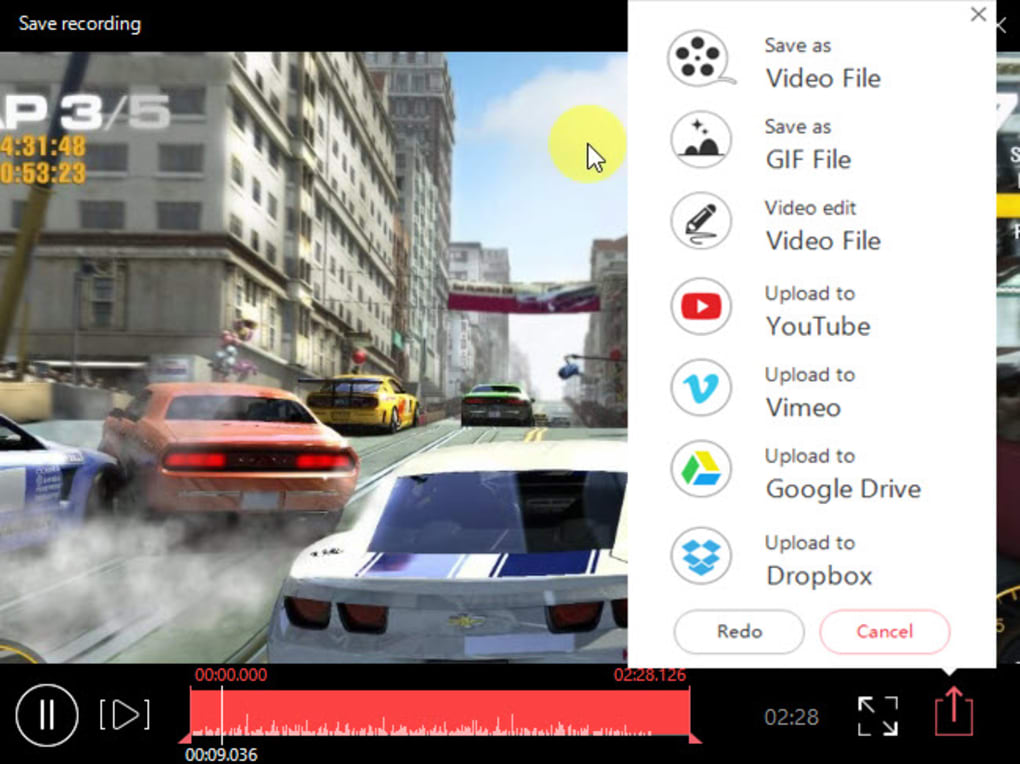
One of the biggest challenges with screen recording software is the post-recording workflow—editing, compressing, and uploading. ShowMore eliminates this friction by offering direct upload integration with popular platforms. After recording, you can instantly publish your video to YouTube, Dropbox, or the ShowMore hosting site with just a few clicks. This is especially beneficial for content creators who want to maintain a consistent upload schedule without switching between multiple apps. The software is available for Windows, Mac, Android, and iOS, ensuring a consistent experience no matter your device. Whether you're using a desktop for detailed tutorials or a mobile device for on-the-go recordings, ShowMore adapts seamlessly. The mobile version offers touch-friendly controls and optimized recording settings for smartphones and tablets, making it easy to capture app demos or social media clips. All your recordings sync across devices via your ShowMore account, so you can start on one device and finish on another. Installation is quick and straightforward. Simply visit the official website, download the installer for your OS, and follow the on-screen instructions. No additional drivers or plugins are required. The app runs efficiently in the background, consuming minimal system resources, which is crucial for smooth gameplay recording or multitasking. Automatic updates ensure you always have the latest features and security patches. The free version includes full access to recording, editing, and upload tools—no hidden paywalls or watermarks.Pros, Cons & Key Features at a Glance
- One-click recording – Start capturing your screen in seconds.
- Real-time editing – Add text, drawings, and effects during recording.
- Multiple audio sources – Record system audio, microphone, or both.
- Support for MP4, AVI, MOV – Flexible export options for any platform.
- Direct upload to YouTube, Dropbox, ShowMore.com – Fast sharing without extra steps.
- Cross-platform sync – Record on Windows, Mac, Android, or iOS and access files everywhere.
- Lightweight & efficient – Low CPU and memory usage during recording.
- Free with no watermarks – Full functionality available at no cost.
Pros
- Simple, user-friendly interface perfect for beginners.
- Real-time editing enhances content quality without post-processing.
- Free to use with no hidden fees or watermarks.
- Fast and secure upload to major platforms.
- Available on all major operating systems.
Cons
- Limited advanced editing tools compared to professional software.
- No built-in video compression for large files.
- Some users may prefer more customization in recording settings.
- Dependent on internet connection for cloud uploads.







